The idea
Ask, instead of digging
One number meant picking a dashboard, a store, and dates. The assistant takes the question in plain words and answers with text, a chart, or a table.
Case study · Jarvis GPT · 2024
Leaders had to pick a dashboard, a store, and dates just to get one number from their store data. I designed a chat assistant that answers in plain words. It shipped, leaders stopped using it, and I designed two changes to bring them back.
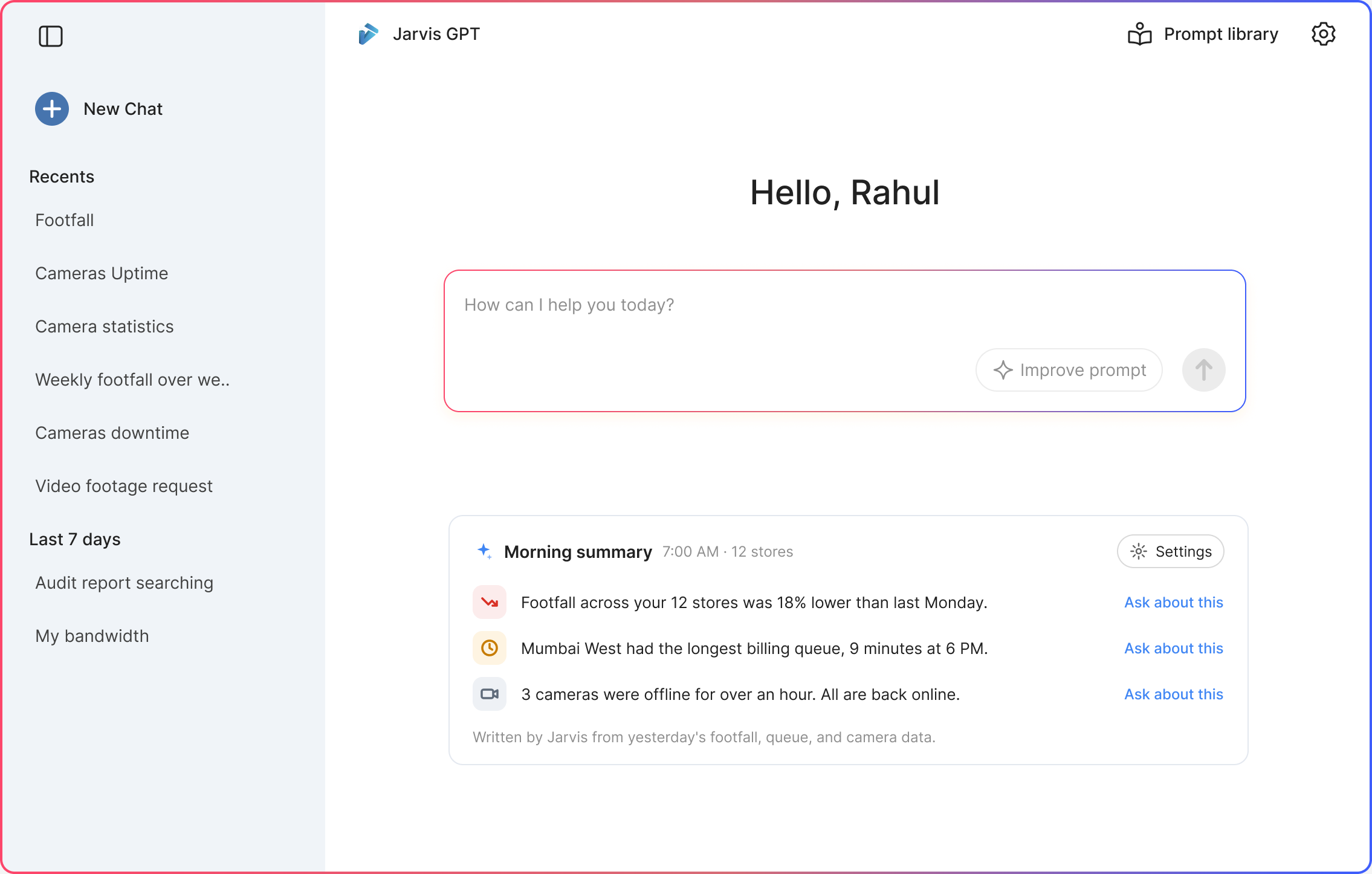
The colored frame is part of the design. It marks the assistant apart from the dashboards.
Quick look
A chat assistant for store data, and two changes after leaders stopped using it.
Three kinds of leader, grouped by what they did, not by title.

One number meant picking a dashboard, a store, and dates. The assistant takes the question in plain words and answers with text, a chart, or a table.
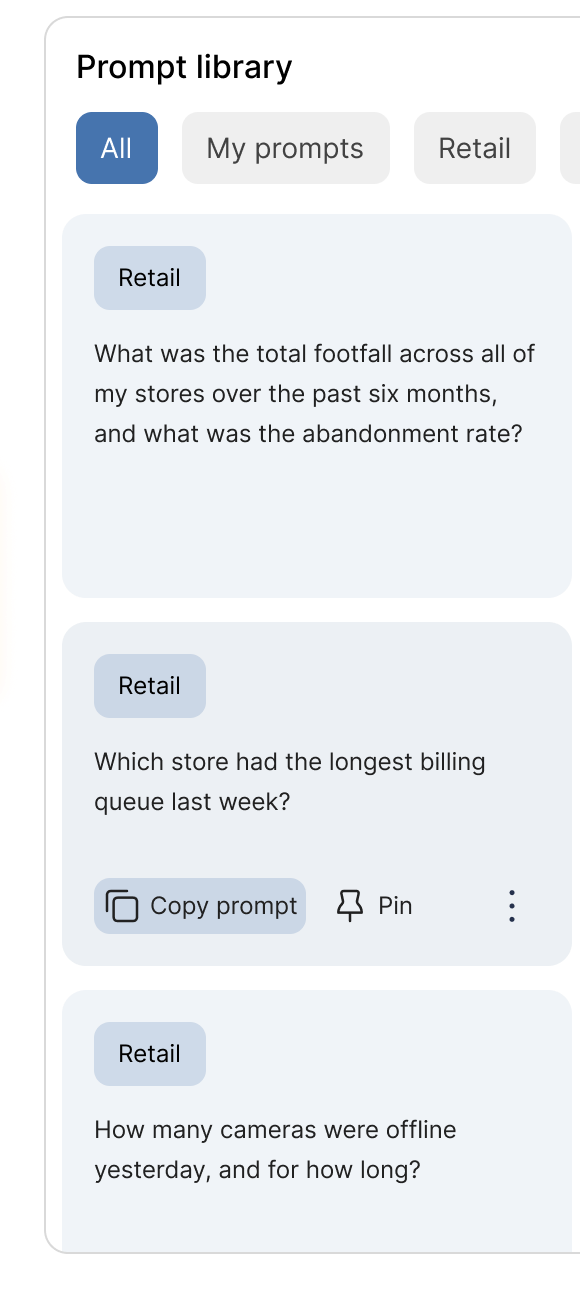
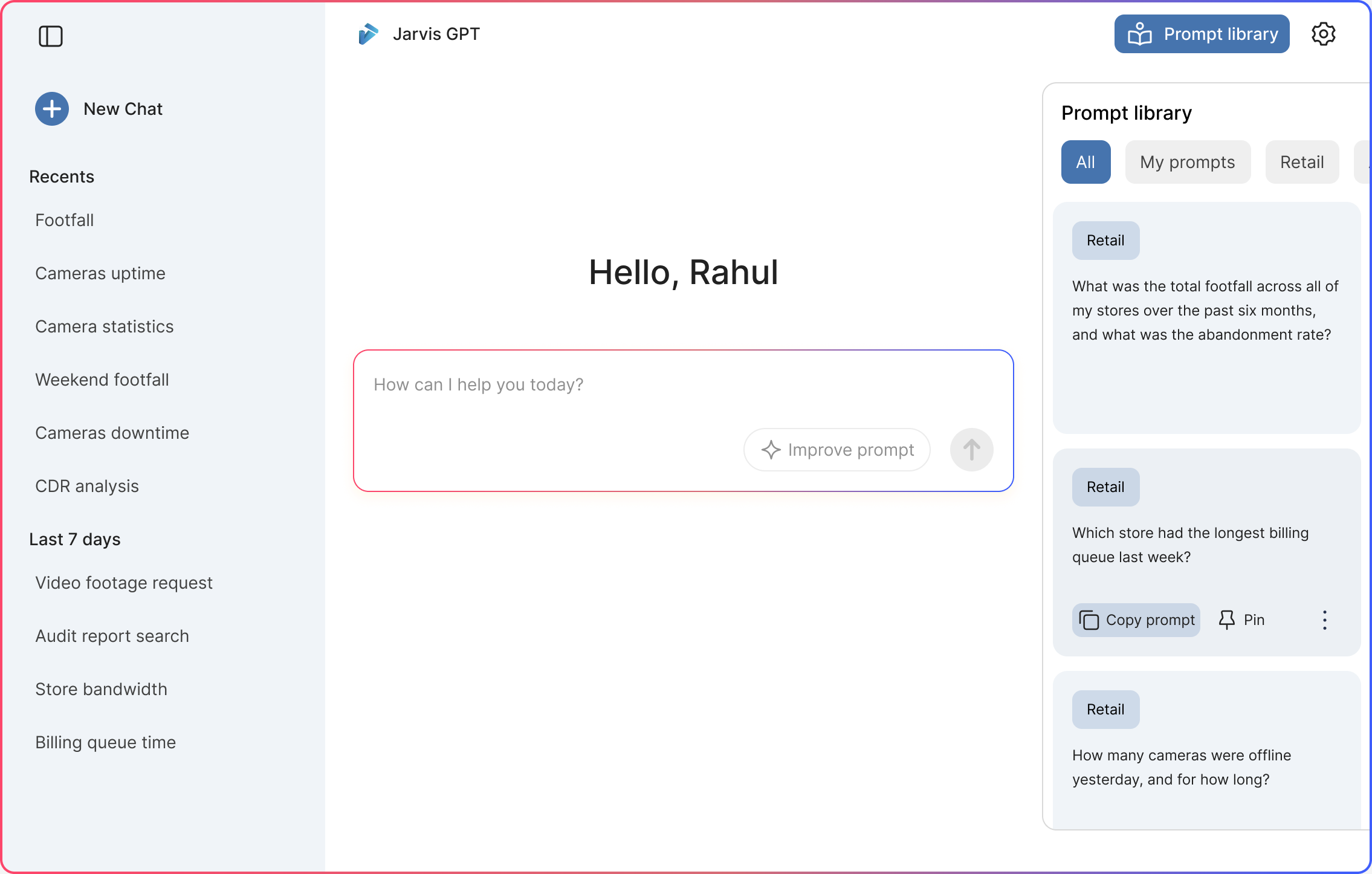
Prompt library in the header opens ready questions beside the chat, sorted by topic. Hover a card to copy it, or pin it to your home.
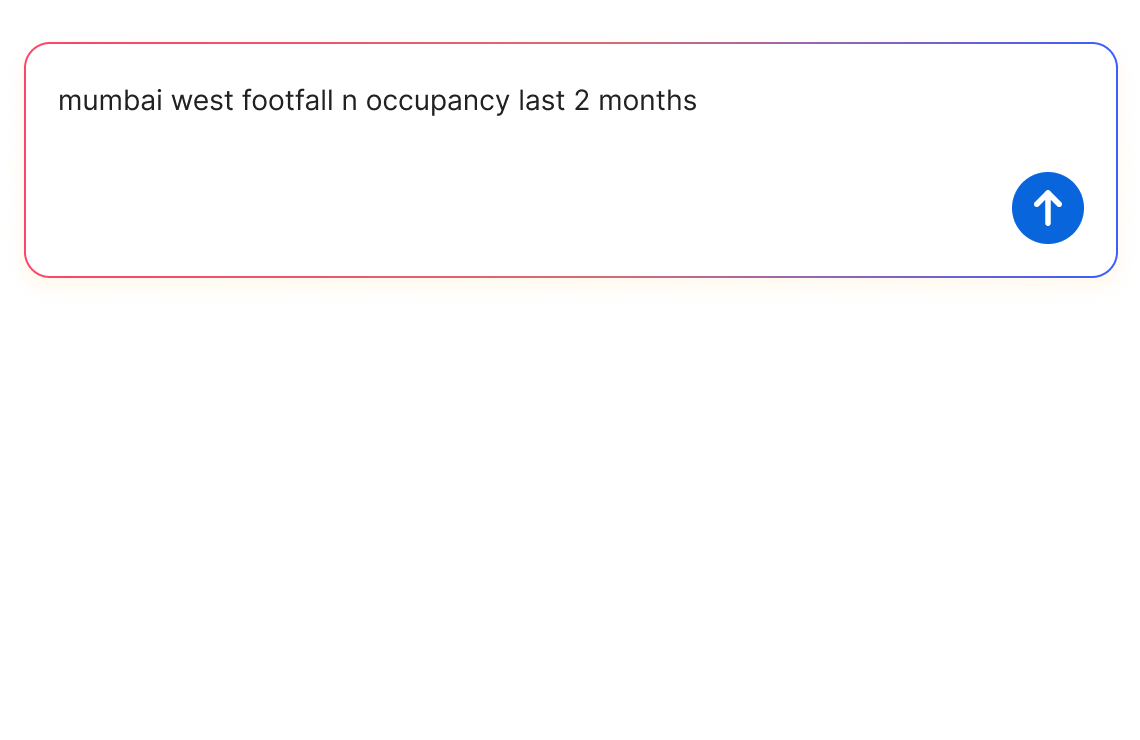
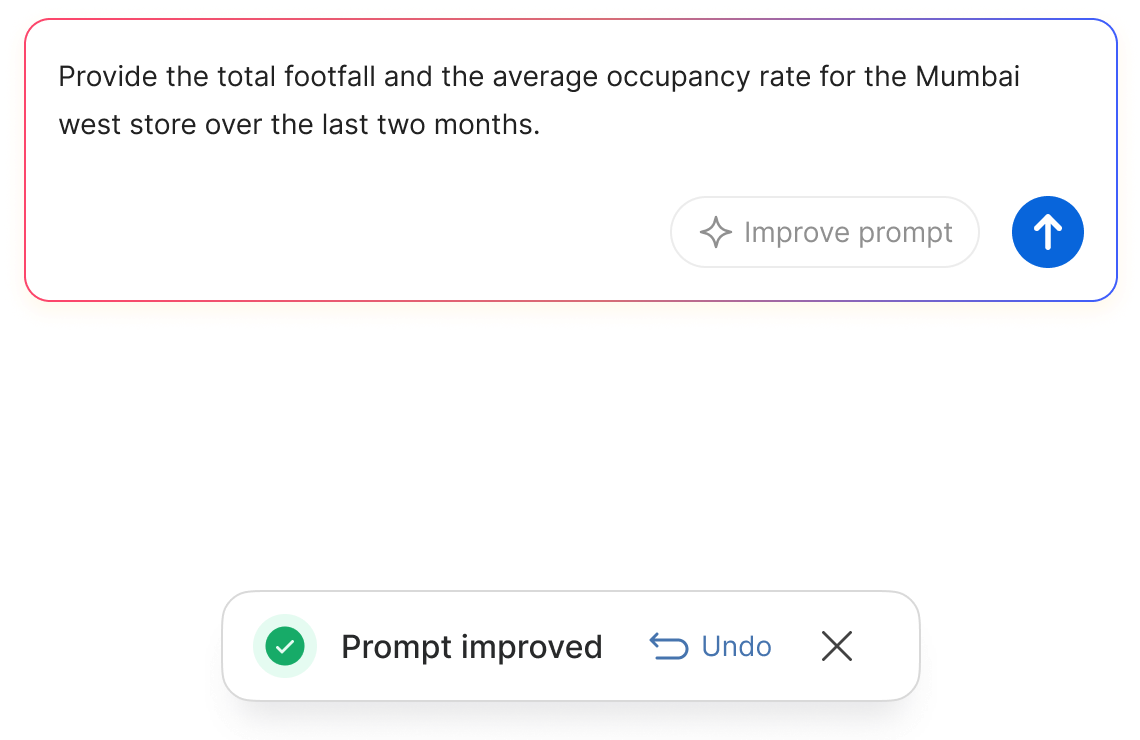
To keep costs down, we did not use the largest models. Smaller models need a clear question, so Improve prompt rewrites a rough one before it is sent.
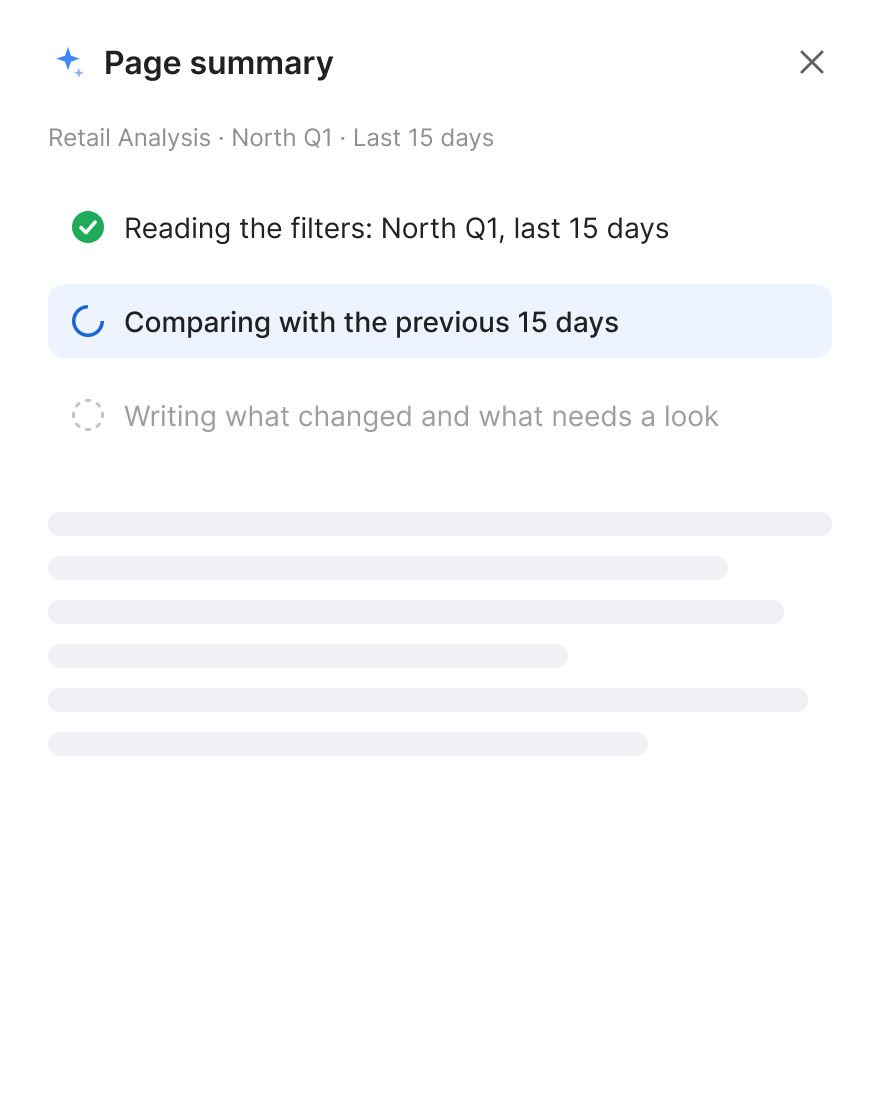
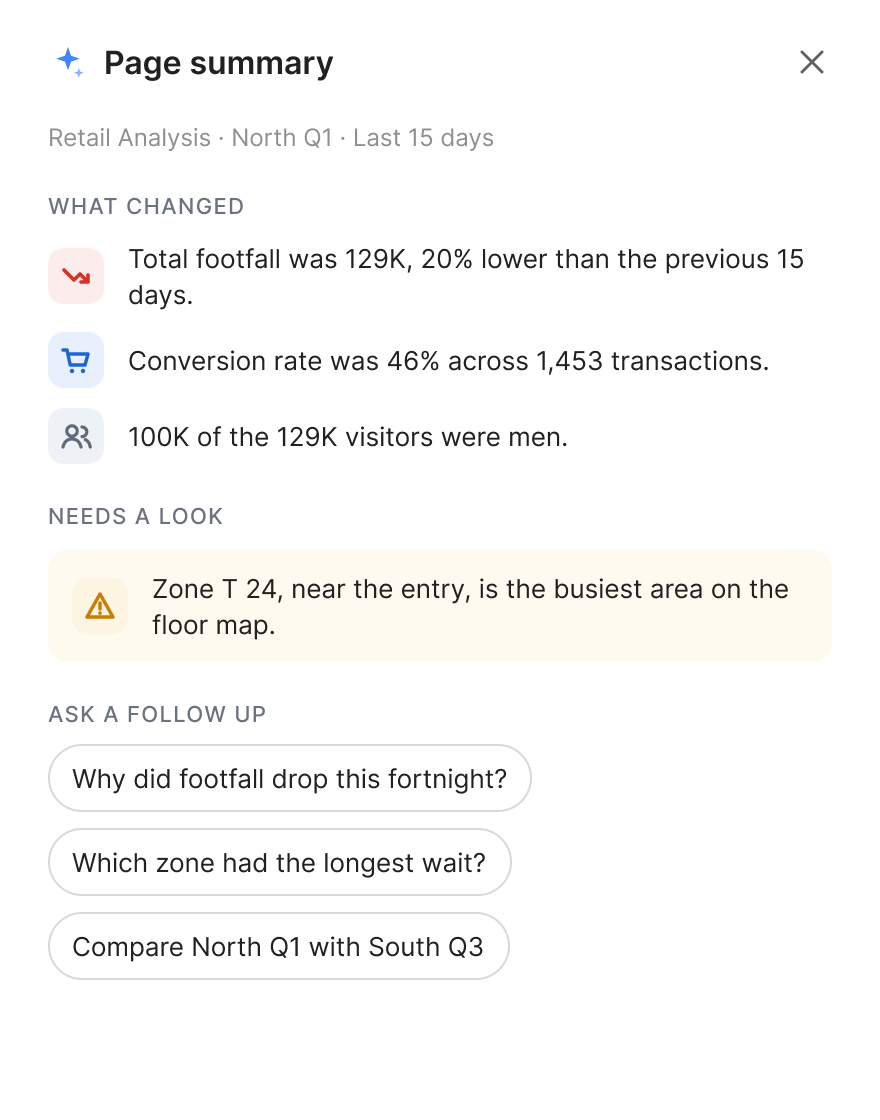
A morning summary waits on the home screen. On any dashboard, Summarize page reads the page and says what changed.
About the project
Where are leaders spending effort just to get one number? Jarvis had detailed dashboards for stores, cameras, and queues. Getting one number meant picking a dashboard, a store, and dates.
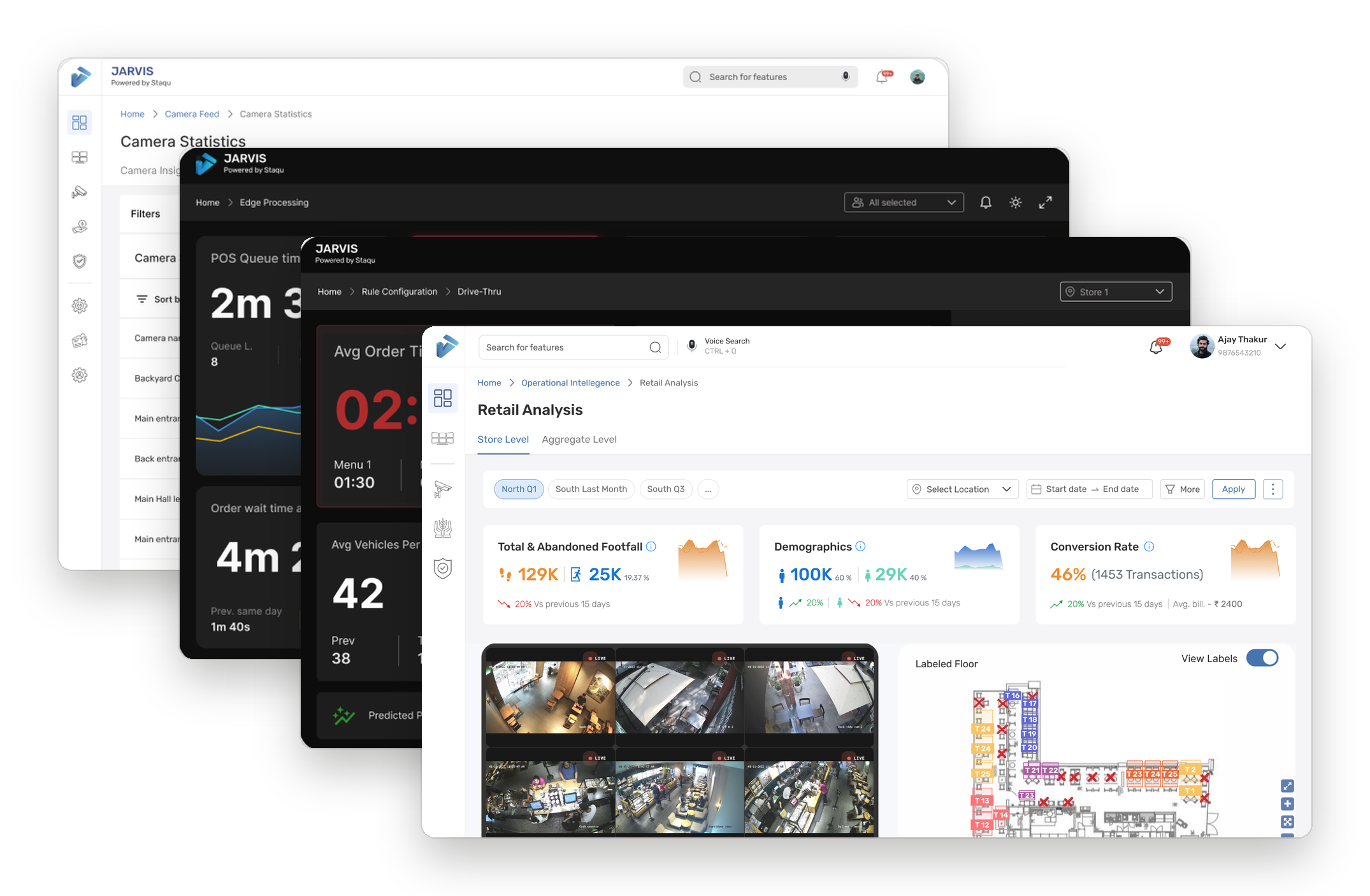
Which dashboard, which store, which dates: every question started with three choices.
Who I designed for
Not by title. Drawn from how leaders used the dashboards, and from what the team heard after launch.
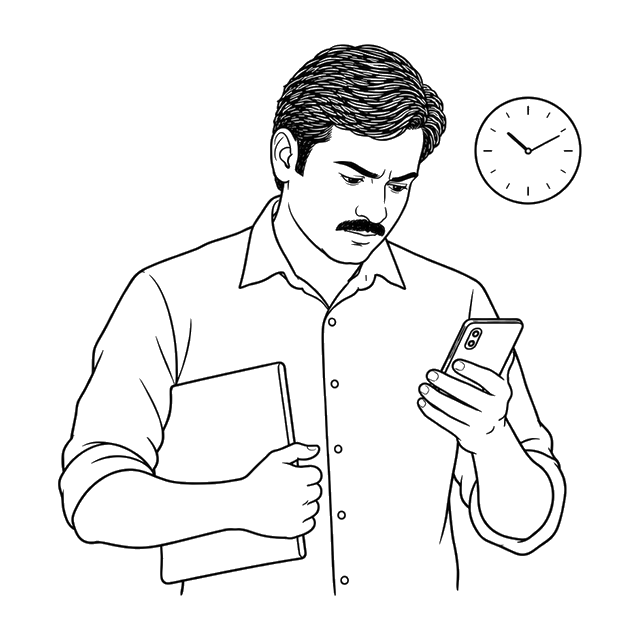
"I just need the number. I do not have time to find the right dashboard."
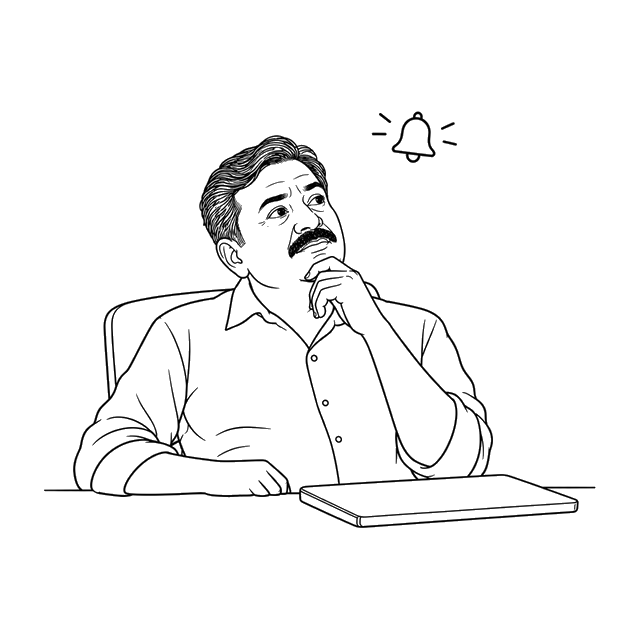
"I opened it and did not know what to type."
"I only look when something is already wrong."
Where it lives
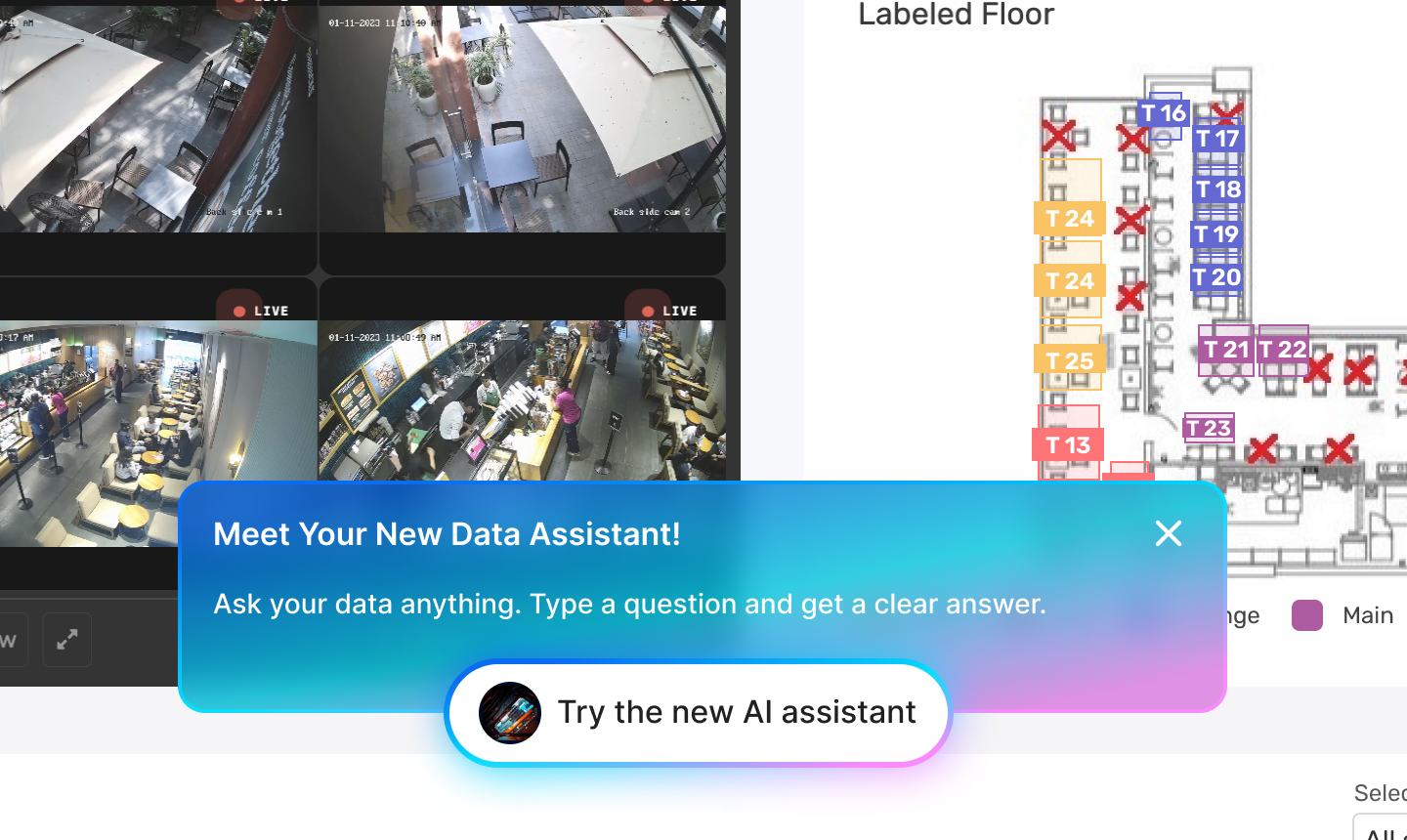
Leaders already lived in the dashboards, so the assistant had to show up there.
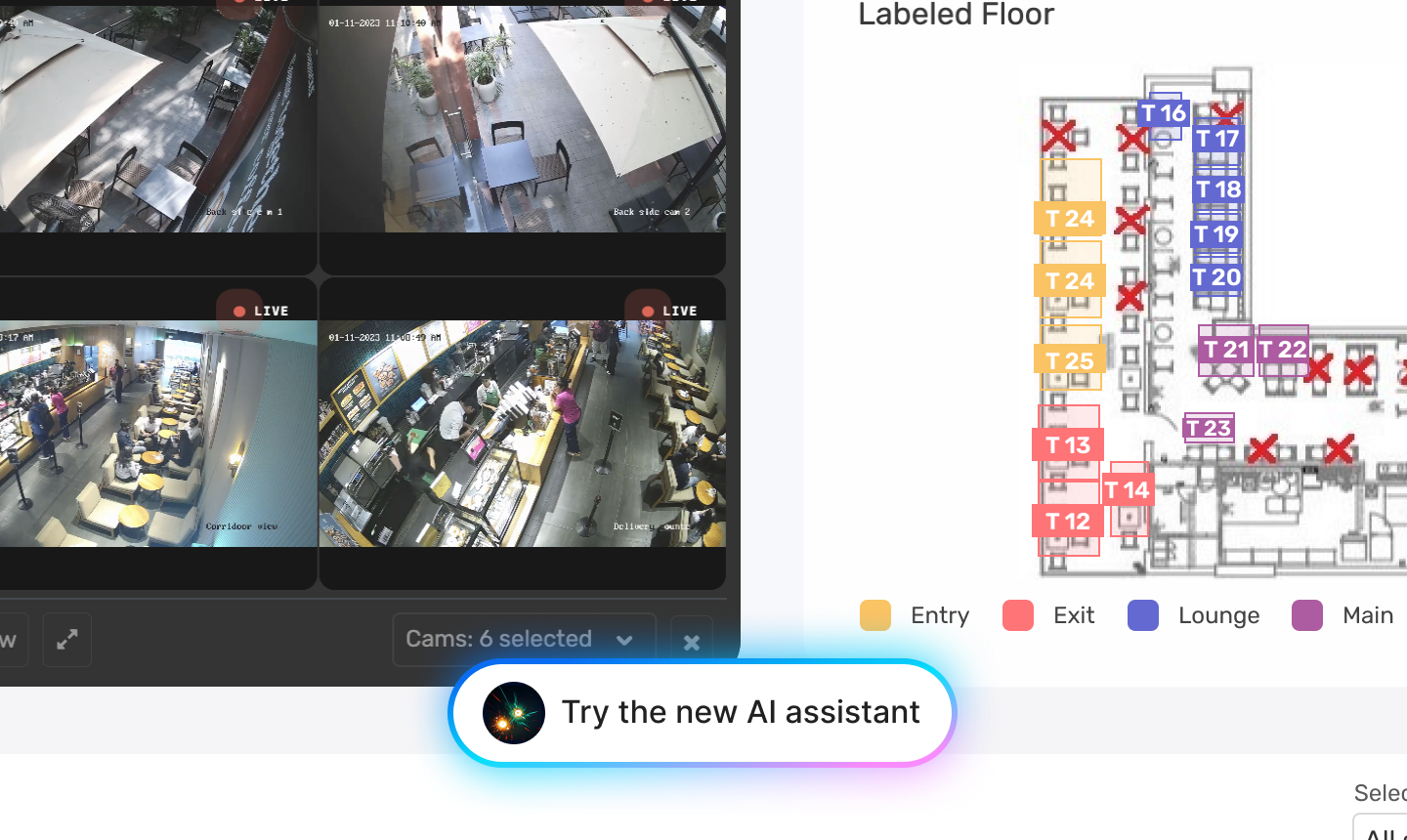
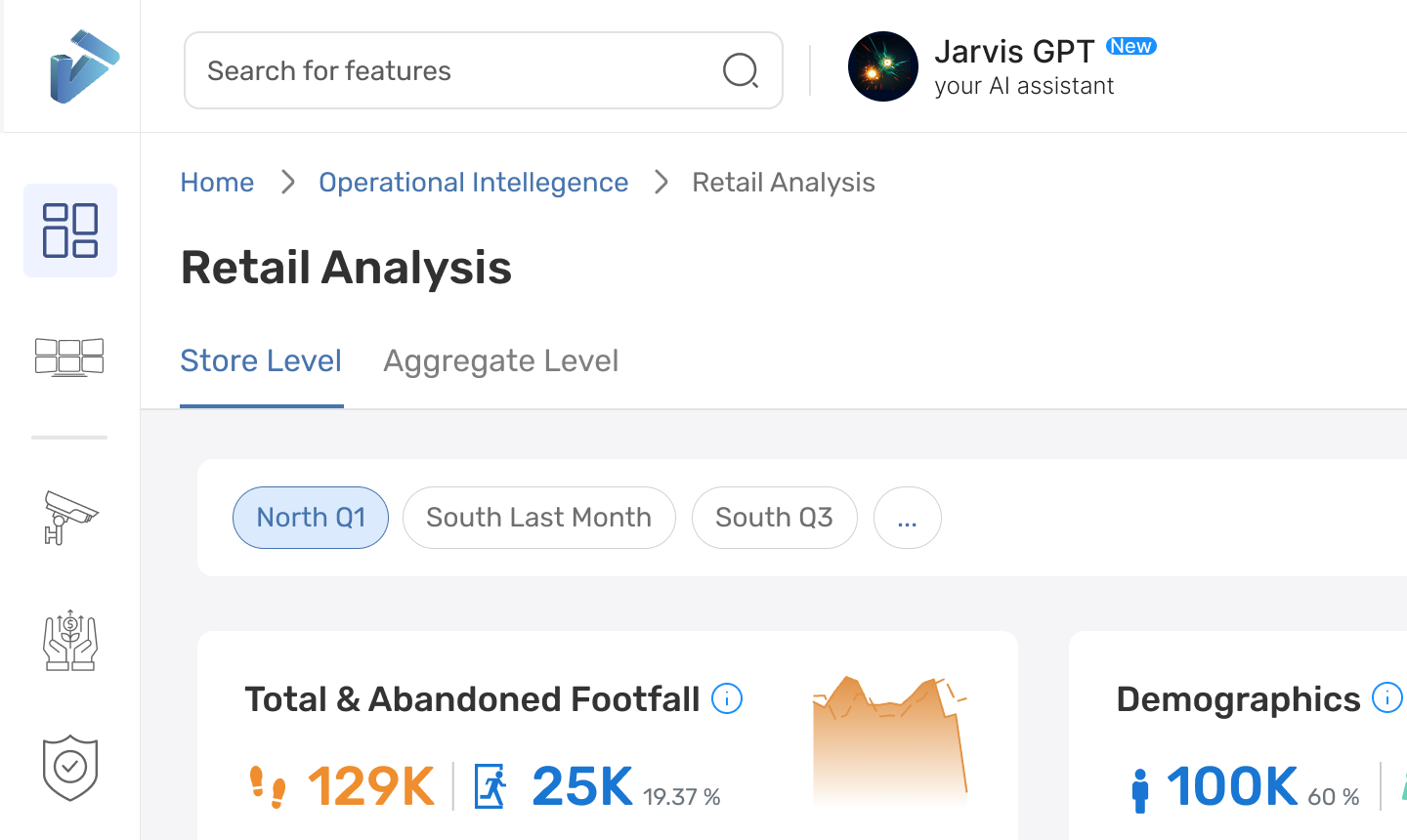
The welcome card shown the first time, the floating button, and the header item next to search. All three are in the final design.
Version one
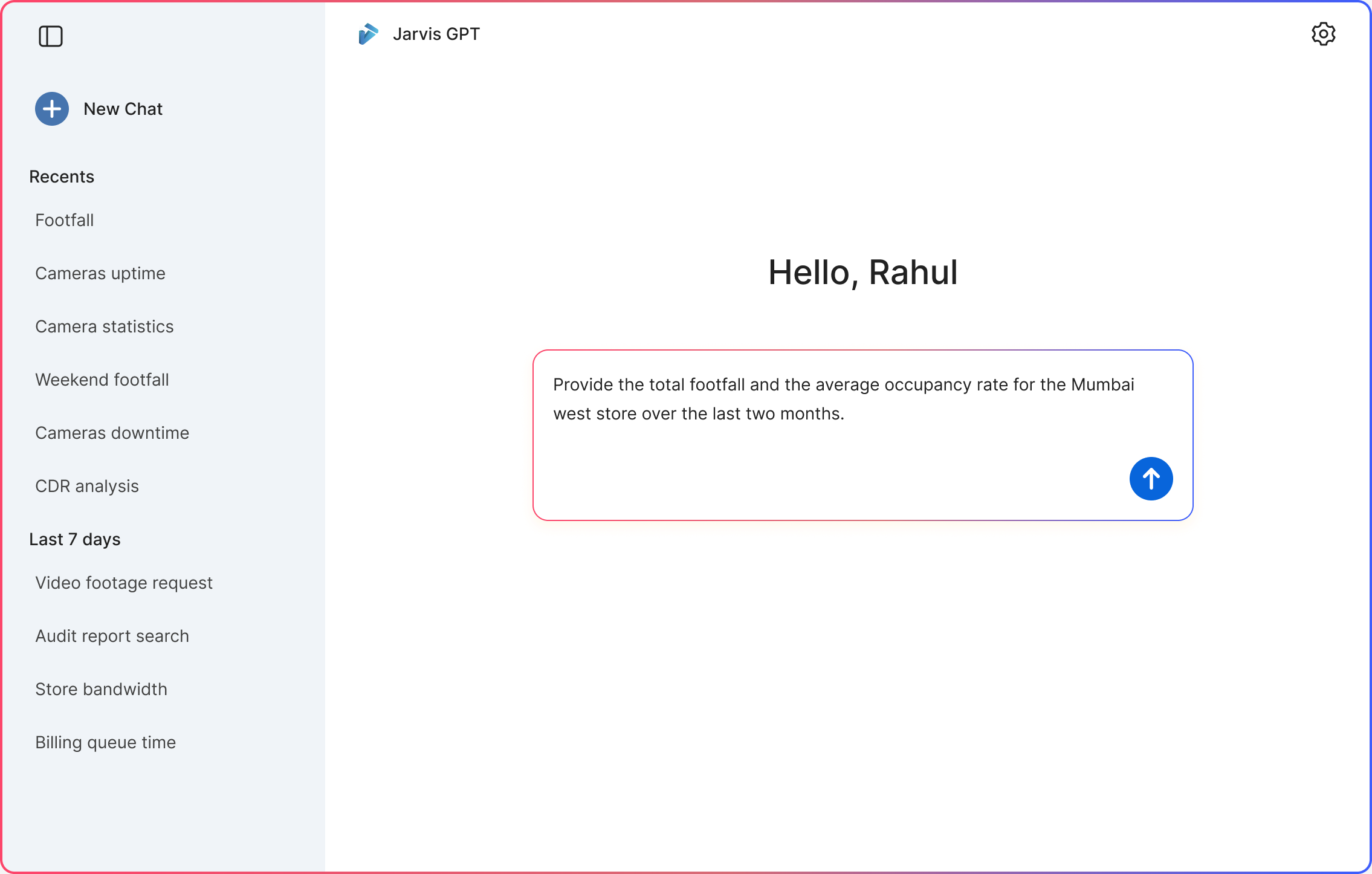
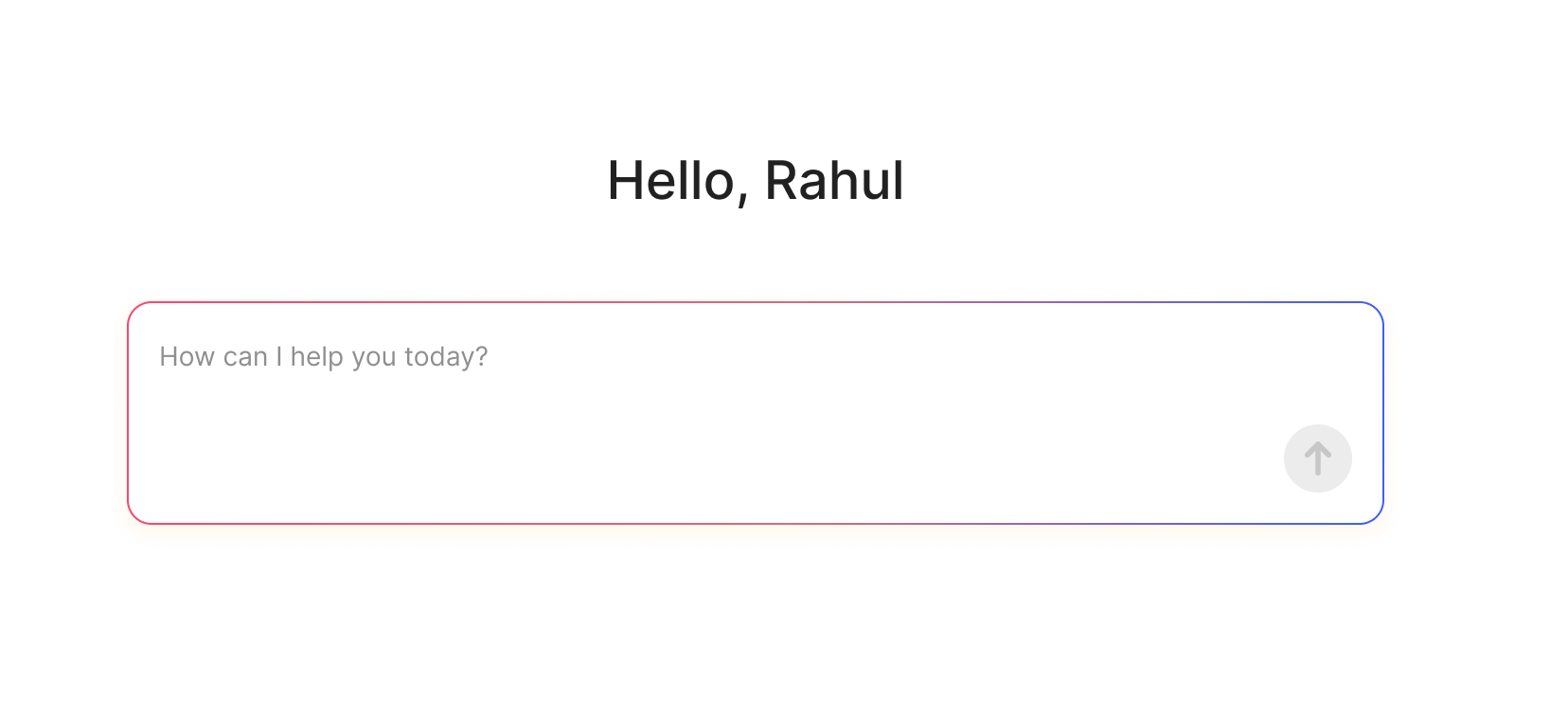
I designed the first screen as a greeting and a single box. Ask in plain words, and the assistant answers with text, a chart, or a table.
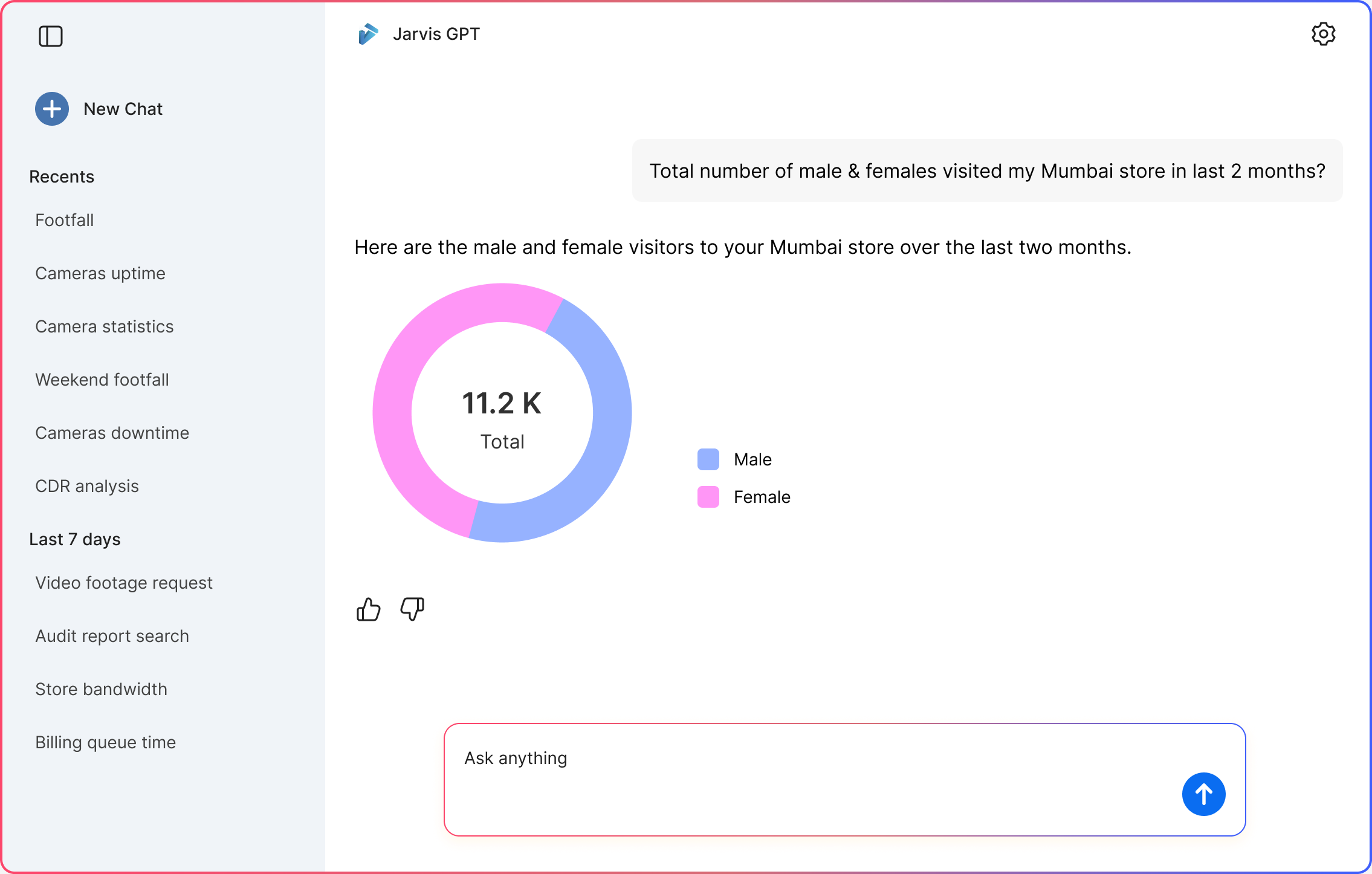
Ask in plain words, and the answer comes back in the right shape.
While the assistant works, the thinking panel lists each step, like finding stores in Haryana and Delhi. Seeing the steps is what lets a leader trust a number they cannot check themselves.
 First step
 All steps
 Step one doneThe answer
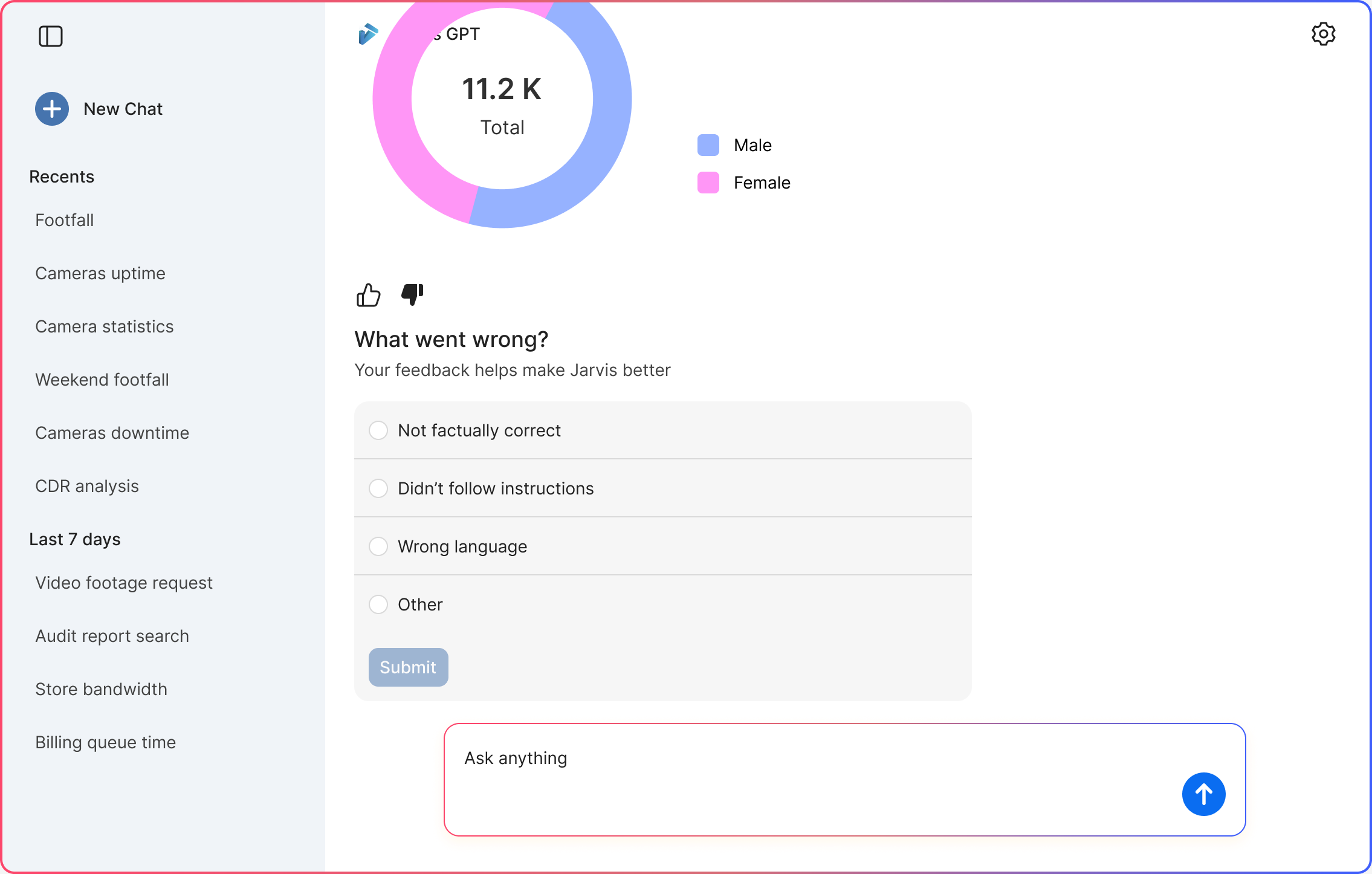
A count comes back as a chart with the total in the middle. A list of camera events comes back as a table with photos.
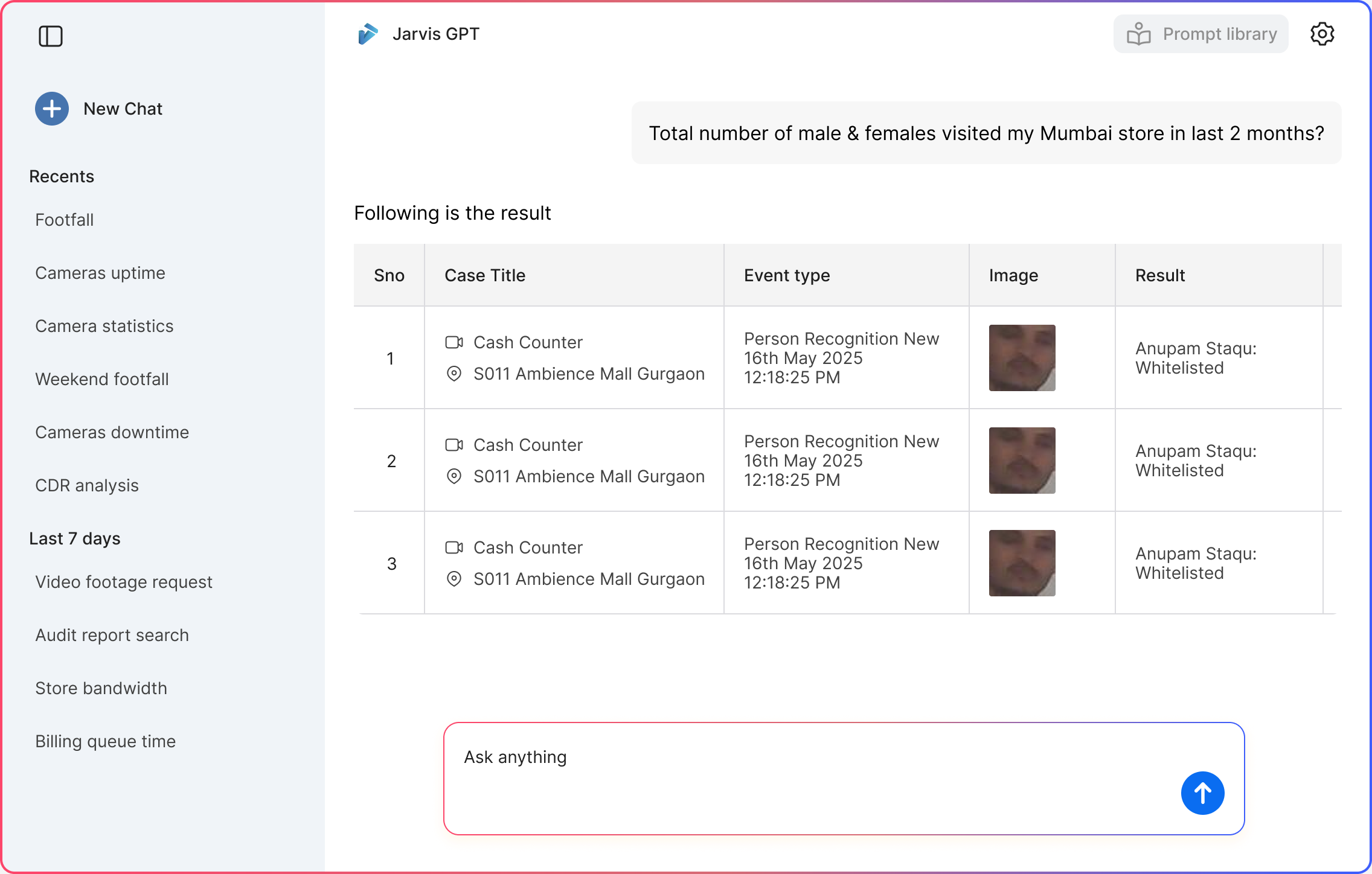
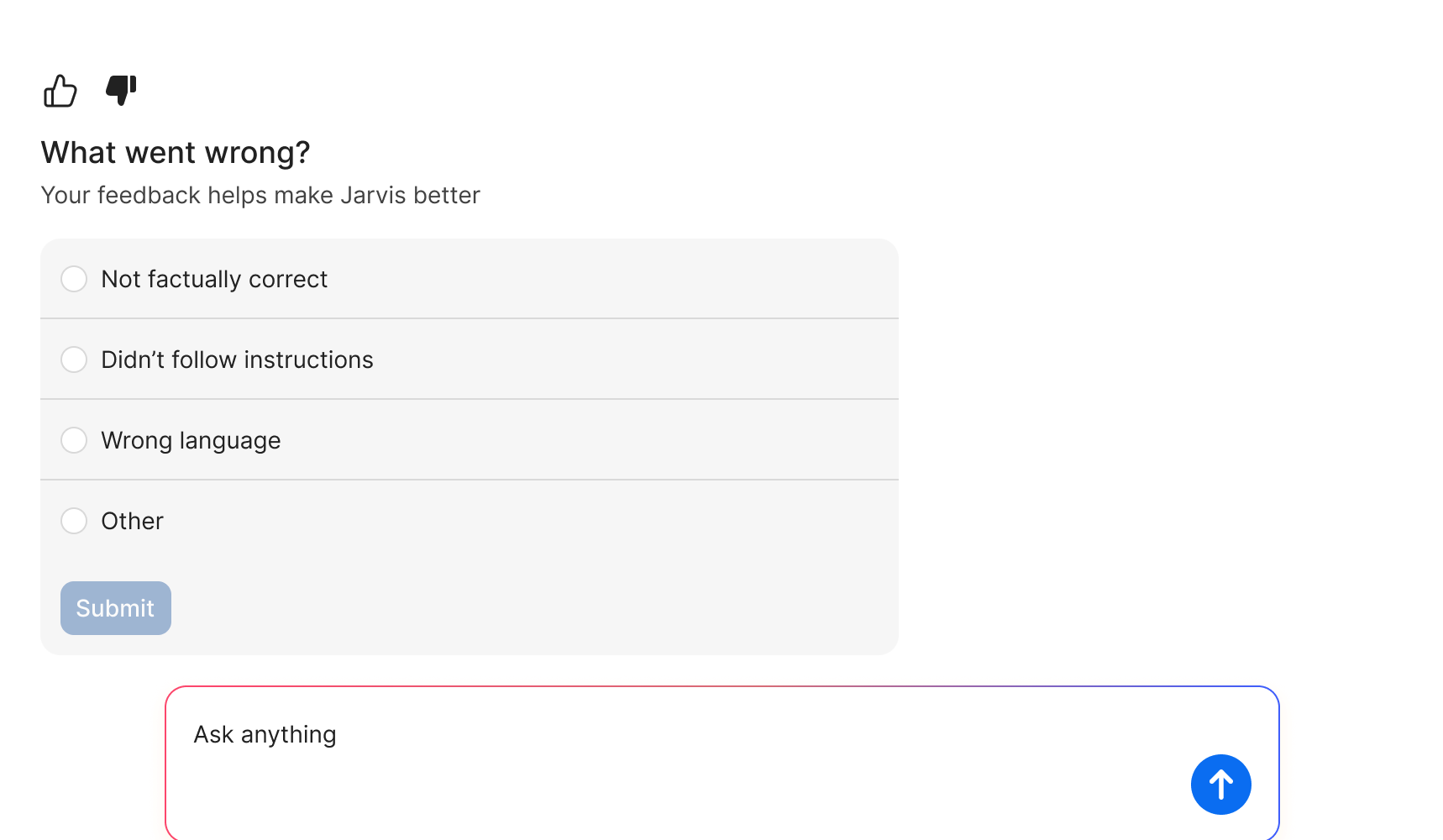
Thumbs up or down is one tap. A thumbs down asks what went wrong, so the team knows what to fix. The reasons came back to the team as a list of misses to work through.
After launch
Leaders tried it once, then drifted back to the dashboards. We went looking for why.
An empty box asks you to invent a question. Most leaders did not.
This became the prompt library.
The assistant only spoke when spoken to. If you did not open it, it gave you nothing.
This became the morning summary.
Change one
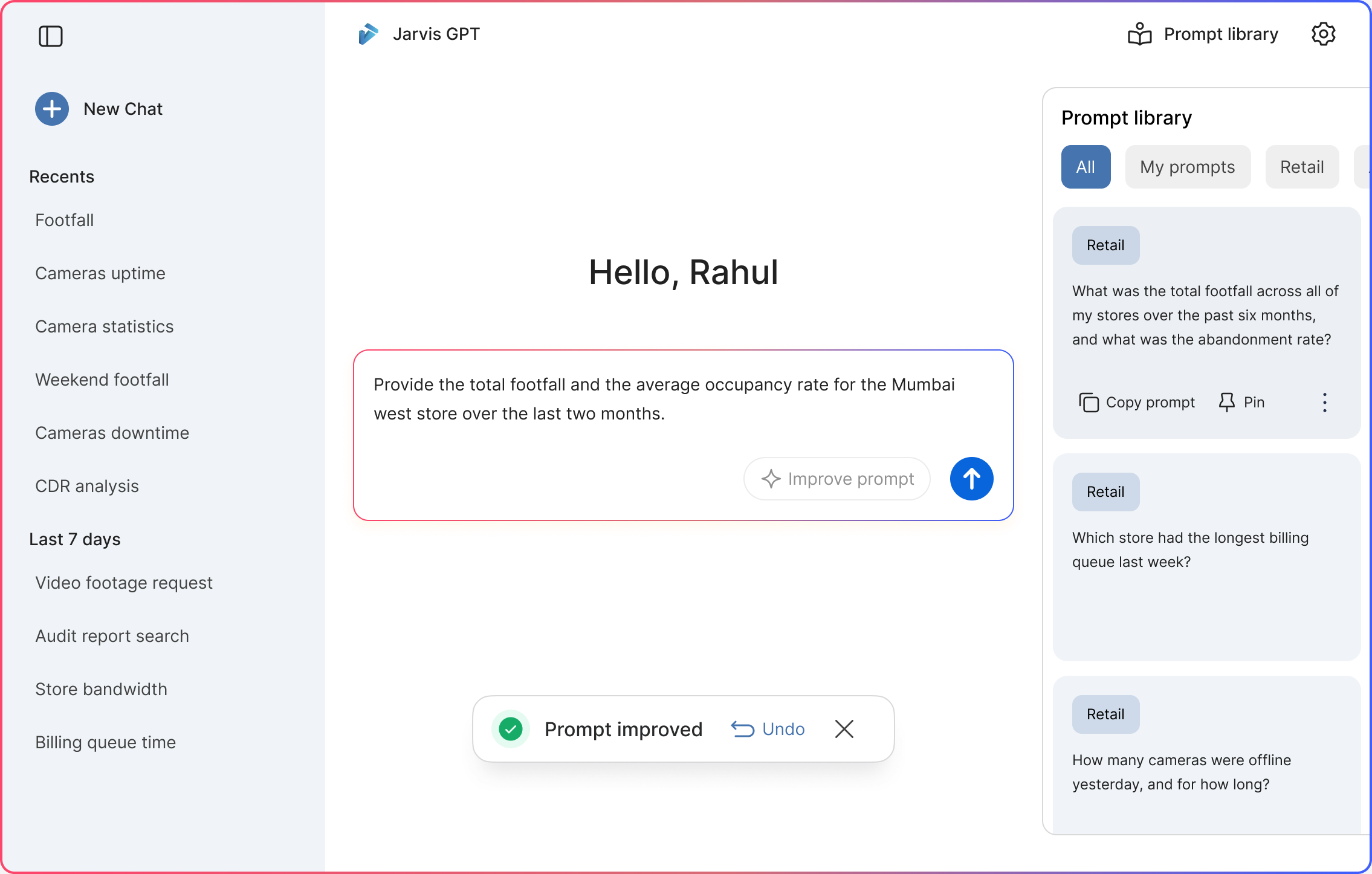
I designed a set of ready questions that open from Prompt library in the header, beside the chat and sorted by topic. Leaders can copy one or pin it to their home.
Hover a card to copy the question into the box, or pin it to your home.
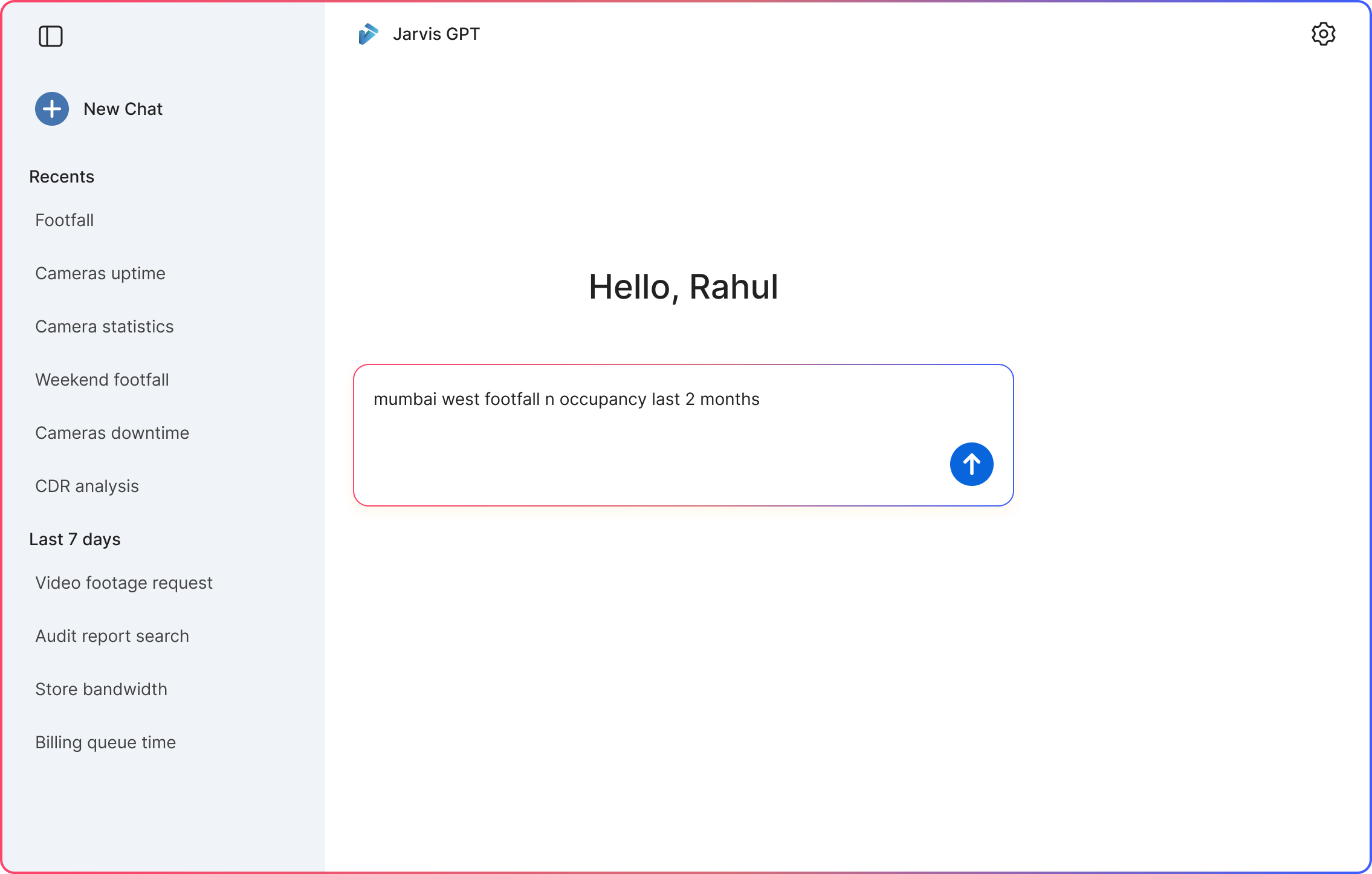
To keep costs down, we did not use the largest AI models. Smaller models give good answers only when the question is clear. A loose question like mumbai west footfall n occupancy last 2 months got a loose answer. So Improve prompt rewrites it into a full question first, and Undo brings the original back.
Change two
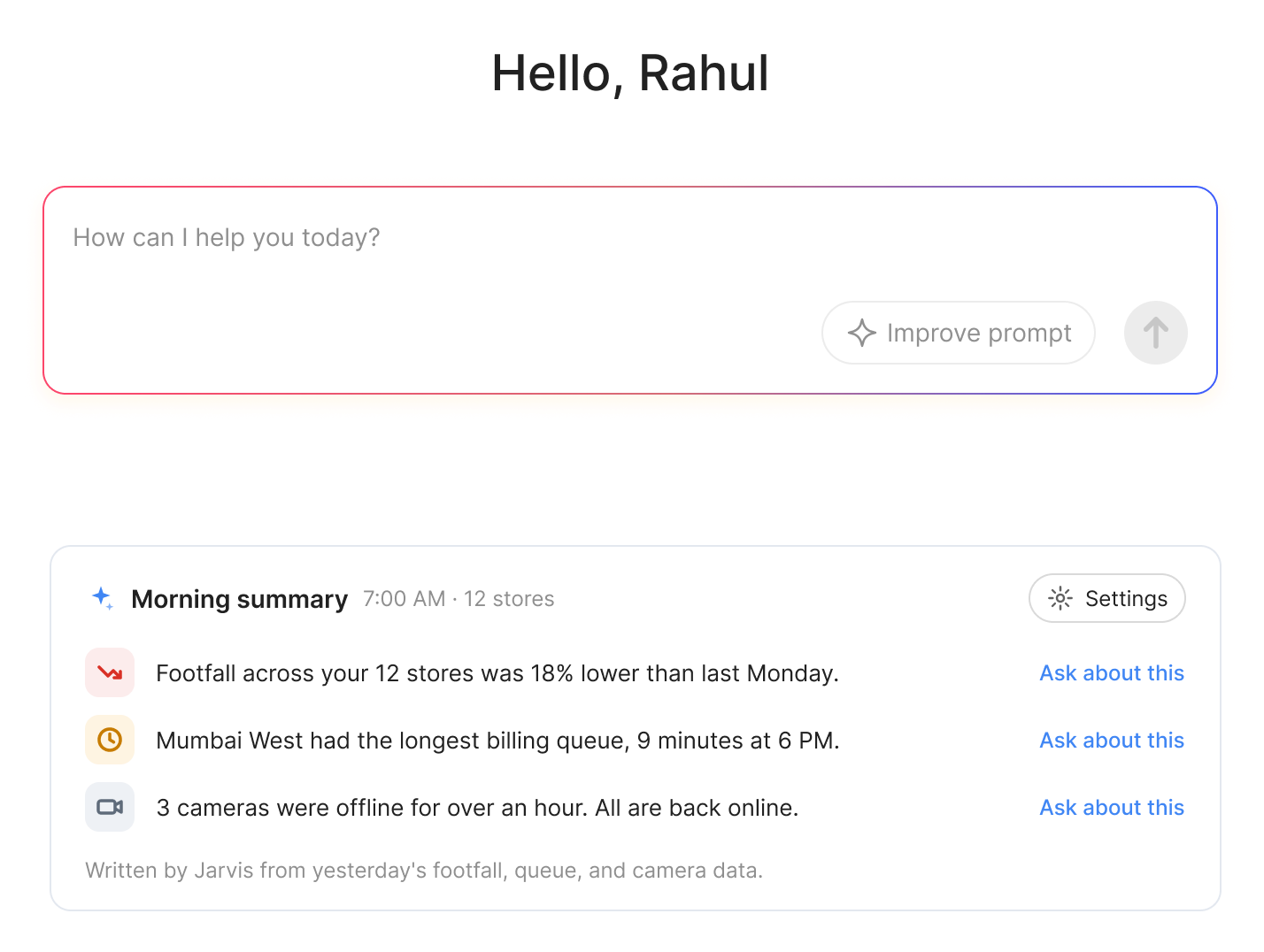
I designed short summaries that the assistant writes on its own. They show what changed, what needs a look, and questions to ask next.
Three short points from yesterday's data, like footfall, queues, and camera health. Each point has Ask about this, for a quick follow-up.
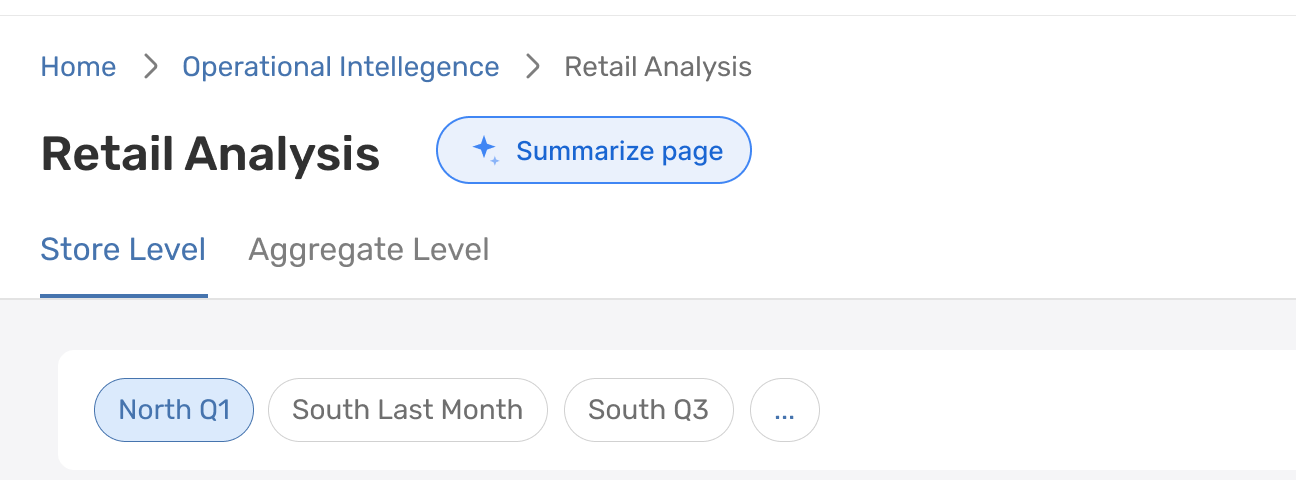
A leader already looking at a dashboard should not have to leave it to understand it. So the summary lives on the dashboard itself, one tap away.
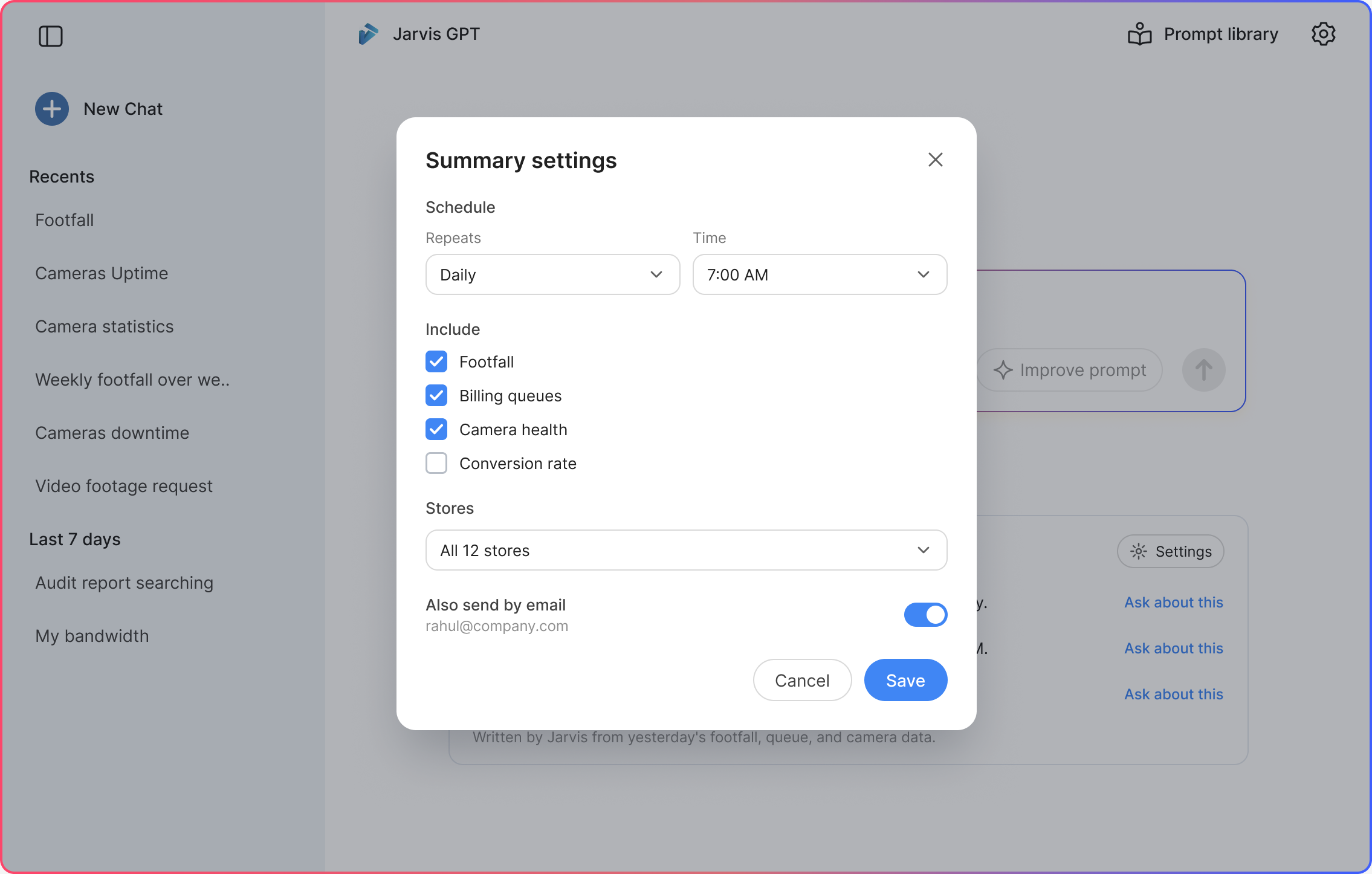
A simple schedule: how often, and at what time. Then the topics to cover, the stores, and whether to get it by email too.
What happened
This is what it was designed to change. We did not measure it. What I watched for was whether a leader who had frozen at the empty box tapped a ready question instead.
Not measured. I watched whether loose questions, like the Mumbai footfall one, came back as full sentences before reaching the model.
Not measured. I watched whether leaders who only opened Jarvis when something was wrong now saw it every morning, without opening anything.
Prototype
I used Claude to turn my Figma screens into this working prototype. The screens and sample data come from my final design.
Ask a question, open the prompt library, or ask about the morning summary. Press Esc to close.
Next case study